I noticed that the UI tests are failing due to notifications appearing which blocking the click on actual components in the IntelliJ 2025.3 EAP version. Is there a way to prevent these notifications from appearing, such as by adding JVM arguments to the runIdeForUiTests task?
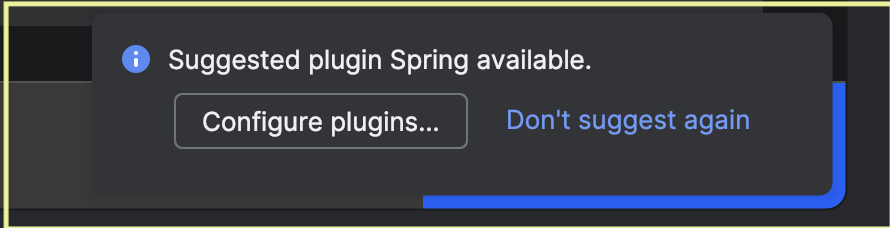
We have a registry key ide.show.plugin.suggestions.on.open that can be disabled in tests
Hey @yuriy.artamonov , I tried disabling this, but I am still receiving the notification while running tests (“-Dide.show.plugin.suggestions.on.open=false”).

I wrote this piece of code that my help:
fun IdeaFrameUI.waitAndDismissNotification(titleContains: String, timeout: Duration = 5.seconds): Boolean {
  return try {
    val notification = waitForOne(
      message = "Waiting for notification containing '$titleContains'",
      timeout = timeout,
      getter = {
        try {
          driver.getNotifications(driver.singleProject()).toList()
        } catch (_: Exception) {
          emptyList()
        }
      },
      checker = { it.getTitle().contains(titleContains, ignoreCase = true) }
    )
    LOG.info("Found and dismissing notification: ${notification.getTitle()}")
    notification.hideBalloon()
    true
  } catch (_: Exception) {
    LOG.warn("Notification with title containing '$titleContains' not found within $timeout")
    false
  }
}
and in the flow of the test you can invoke it like this for example:
waitAndDismissNotification("Indexing", 3.seconds)
Note that not all notifications have a title – but you can try to catch other characteristics
Thanks @jgafner for sharing this. I tried a similar approach to the one you mentioned, and it’s working. Is there a registry key that we can use to disable IDE internal error pop-ups?
cc: @yuriy.artamonov
Thanks for updating
Any chance you can share your piece of code for others as well?